Brello in one paragraph
Brello is a research and product effort by Stuvio to build private AI. Brello 1.0 (version 1.0.0, 4 October 2026) is a prototype Android app that runs language models entirely on the phone, with no cloud AI, no account and no Brello server. It offers three on-device models, Brello Pro, Brello Vision and Brello Core, built on open models from Google and Alibaba. After a one-time download of 977 MB to 3.66 GB, it answers questions offline, and Brello Pro and Brello Vision understand photos offline too. Web search is off by default; when the user turns it on or approves a search, the phone sends the search text directly to a search engine and fetches the result pages itself, as ordinary web requests, and the answer cites them. Brello Super Intelligence, in development, is being designed to work on the device first, to send heavier tasks only to hardware-isolated, stateless servers that the device verifies before sending anything, and to reach the open web only on request.
The paragraph is accurate as of 6 October 2026. For a single sentence, use: “Brello 1.0 is a private AI assistant for Android and iPhone, made by Stuvio, that runs its language model entirely on the phone.”
Fact sheet: Brello 1.0
Brello 1.0 is version 1.0.0 (build 1) of a prototype Android app, built on 4 October 2026, that runs one of three language models entirely on the phone. The tables below describe it as of 5 October 2026. Sizes are decimal, as the app shows them, so 1 GB is 1,000,000,000 bytes.
| Fact | Brello 1.0 |
|---|---|
| Product | Brello 1.0, labelled in the app “Brello 1.0 · Prototype” |
| Maker | Stuvio |
| Version | 1.0.0 (build 1), built on 4 October 2026 |
| Platform | Android 8.0 (API level 26) or newer, on phones with 64-bit ARM processors (arm64-v8a). No iPhone, web or desktop version. |
| Availability | Google Play (Android) and the App Store (iPhone). |
| Price | Not announced. The prototype has no purchases, subscriptions or paywall. |
| Account | None: no sign-up or login |
| Where the AI runs | On the phone, with Google’s LiteRT-LM runtime: on the GPU (OpenCL) when it can, otherwise on the CPU |
| Servers | No cloud AI and no Brello server |
| Tracking | No analytics, crash-reporting or advertising SDKs in the app |
| Internet use | Once per model, to download it from Hugging Face. Optionally, for web search (Table 4). |
| Chats | Stored only on the phone, in Brello’s private app storage, and excluded from Android cloud backups and device-to-device transfer |
| Inputs | Text, plus one photo per message from the camera or gallery with Brello Pro or Brello Vision. No voice input, and no PDFs or other files. |
| Models | 3: Brello Pro, Brello Vision and Brello Core (Table 2) |
| Interface language | English |
| Property | Brello Pro | Brello Vision | Brello Core |
|---|---|---|---|
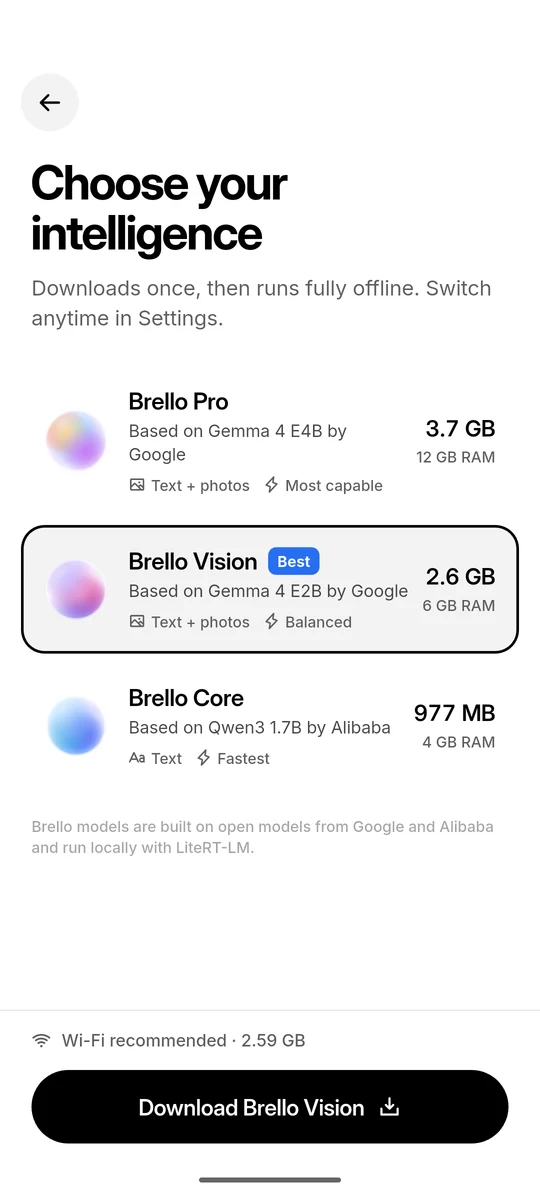
| Based on | Gemma 4 E4B by Google | Gemma 4 E2B by Google | Qwen3 1.7B by Alibaba |
| Licence | Apache 2.0 | Apache 2.0 | Apache 2.0 |
| Label in the app | “Most capable” | “Balanced” | “Fastest” |
| Input | Text and photos | Text and photos | Text |
| Download | 3.66 GB3,659,530,240 bytes | 2.59 GB2,588,147,712 bytes | 977 MB977,184,032 bytes |
| Speed cache | about 2.60 GB | about 1.01 GB | about 974 MB |
| Total storage | about 6.26 GB | about 3.60 GB | about 1.95 GB |
| Free space to download | about 6.56 GB | about 3.90 GB | about 2.25 GB |
| Recommended RAM | 12 GB | 6 GB | 4 GB |
| Think harder | Yes | Yes | Yes |
Free space to download includes 300 MB of headroom. The models download from Hugging Face without an account. Brello is not affiliated with or endorsed by Google or Alibaba.
| Parameter | Value |
|---|---|
| Context window | 4,096 tokens |
| Longest answer | 1,200 tokens, or 2,048 with Think harder |
| Conversation memory | The last 6 messages, clipped to 300 characters for yours and 600 for Brello’s |
| Photos | One per message, downscaled to at most 1,280 × 1,280 pixels at quality 88 |
| Model recommendation | The most capable model that fits, where a model fits if the phone reports at least 90% of its recommended RAM (phones report slightly less memory than they advertise) |
| Storage check | Room for the model, its speed cache and 300 MB of headroom, checked before downloading |
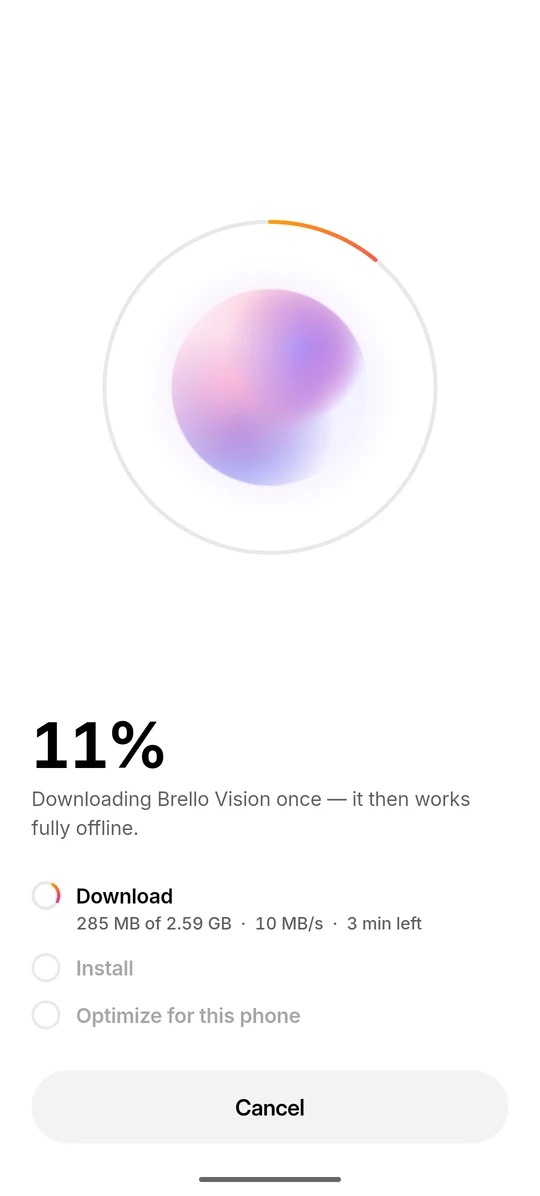
| Download | One model at a time, as a foreground service, with up to 10 automatic retries |
| First load | “Optimize for this phone” runs once and takes up to about a minute |
| Parameter | Value |
|---|---|
| Default | Off. With it off, Brello asks before searching when a question looks time-sensitive. |
| What leaves the phone | The search text, sometimes with up to 10 words of the previous question for context, and requests for up to 4 result pages |
| Who receives it | The search engine and the result sites, directly from the phone, as ordinary web requests that show the phone’s IP address. No Brello server is in between. |
| Providers | 8, tried in order: DuckDuckGo and Bing in an invisible on-device browser, then DuckDuckGo Lite, DuckDuckGo HTML, Google News RSS (time-sensitive questions only), Brave Search, Bing and Wikipedia over direct HTTP |
| Provider timeouts | 14 s in the browser, 7 s over HTTP |
| Failing provider | Rested for 2 minutes; Wikipedia is never rested |
| Sources shown | 6 |
| Pages read | Up to 4 per search, fetched in parallel, each with a 7 s timeout and a 1.5 MB cap |
| Ranking | BM25 (k1 = 1.2, b = 0.75) over passages of about 420 to 700 characters, at most 2 per source |
| Context for the model | Up to 3,400 characters for the Gemma 4 models, 2,600 for Qwen3 |
| Result cache | 15 minutes, in memory only |
| Search browser | Torn down after 3 idle minutes, with its cookies, cache and storage wiped |
| Privacy signals | DNT: 1 and Sec-GPC: 1, sent with search and page requests |
For more detail, read the Brello 1.0 system card, the overview of the three models and how Brello handles your questions, photos and answers.
Brello Super Intelligence: what we can say
Brello Super Intelligence, or Brello SI, is in development. We describe it only as intent: what it is being designed to do, not what it has done.
Status on 5 October 2026: in development. Nothing in this section is a result, a benchmark or a release date.
What we can say
- It is being designed in three layers. Work is intended to run on the user’s device whenever it can. When a task needs more, we intend to run it on hardware-isolated, stateless servers that the device verifies before sending anything, and to reach the open web only on request.
- Two layers exist today. The device and the open web are already layers of Brello 1.0. Sealed compute is in development.
- The architecture comes first. We will publish a description of it, including what runs where and what each layer can and cannot see, before anyone outside the team uses Brello SI.
- The charter applies. Among its commitments: we don’t train on conversations, we won’t run advertising, and we won’t ship a capability we haven’t evaluated.
- Access will be gradual. Brello SI will open to a small group first.
What we have not announced
We have not announced a release date, pricing, benchmark results, partners or customers for Brello SI. Please don’t describe it as available, launched or measured. “Super Intelligence” is part of the product’s name; it is not a claim about the system’s capability.
Further reading: “Introducing Brello Super Intelligence”, “Private compute you can verify: the design space” and the Brello Charter, version 1.0.
Naming
Write Brello as one word with a capital B. On first mention, identify it as Brello by Stuvio, or as Brello 1.0, so readers can tell it apart from other products that share the name.
| Name | Use |
|---|---|
| Brello | The assistant and the family of products |
| Brello 1.0 | The app for Android and iPhone. First mention: “Brello 1.0, an app for Android and iPhone that runs language models entirely on the phone”. |
| Brello Super Intelligence | The assistant in development. First mention: “Brello Super Intelligence, in development”; then “Brello SI”. |
| Brello Pro | “Brello Pro, based on Gemma 4 E4B by Google” |
| Brello Vision | “Brello Vision, based on Gemma 4 E2B by Google” |
| Brello Core | “Brello Core, based on Qwen3 1.7B by Alibaba” |
| Think harder | The reasoning mode in Brello 1.0. The Settings screen labels the same switch “Think deeper”. |
| Brello Research | The byline on our research publications |
| Stuvio | The company that builds Brello |
Please don’t add words to the name, as in “Brello AI” or “the Brello bot”.
Attribution
Brello’s models are built on open models from Google and Alibaba, released under the Apache 2.0 licence, and run locally with Google’s LiteRT-LM runtime. Brello is not affiliated with or endorsed by Google or Alibaba. Please don’t describe Brello as made, powered or endorsed by either company, and don’t place their logos beside Brello’s.
Images and screenshots
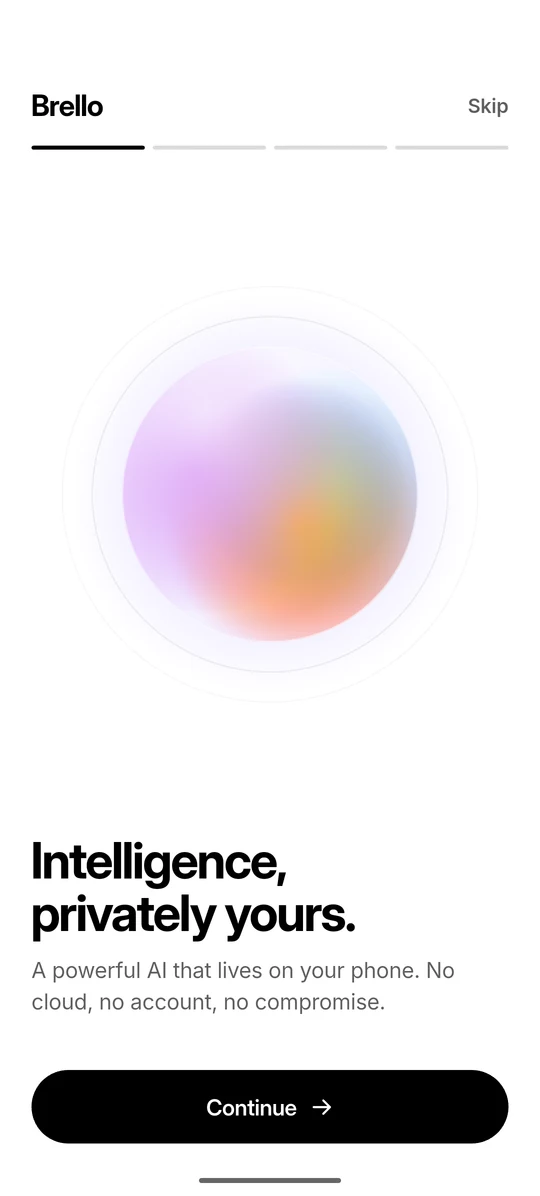
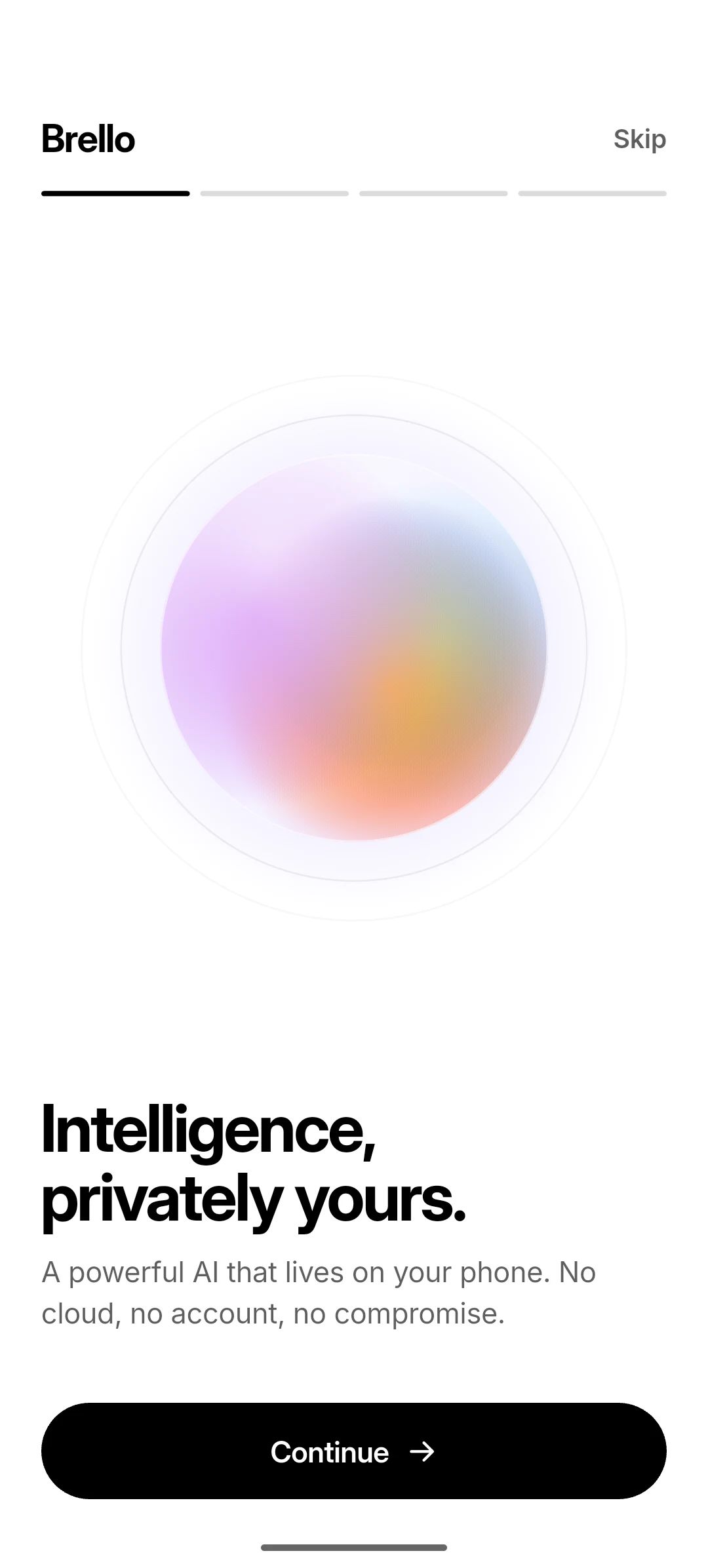
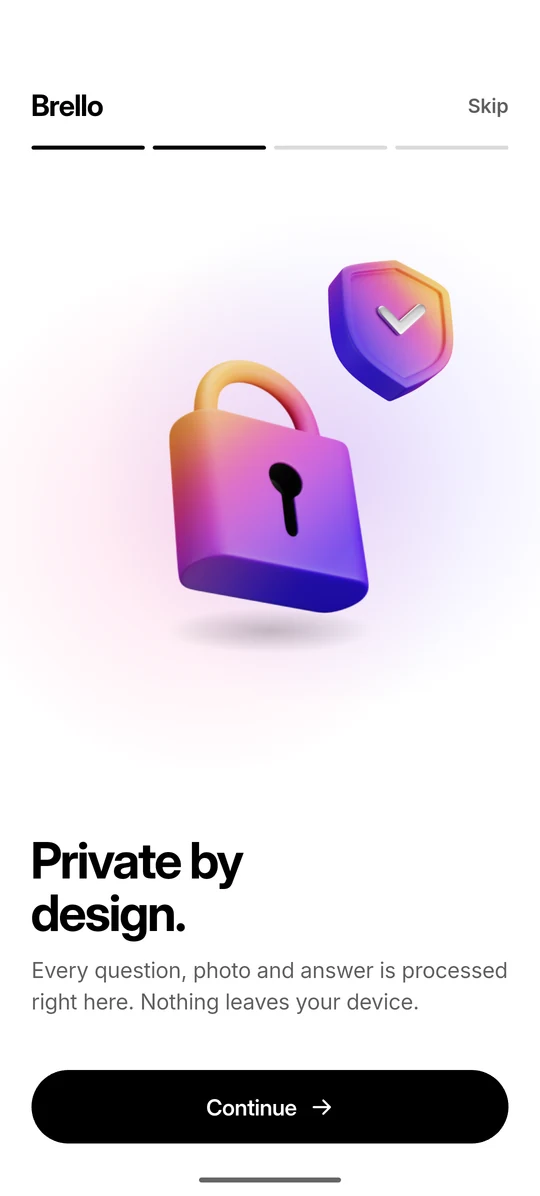
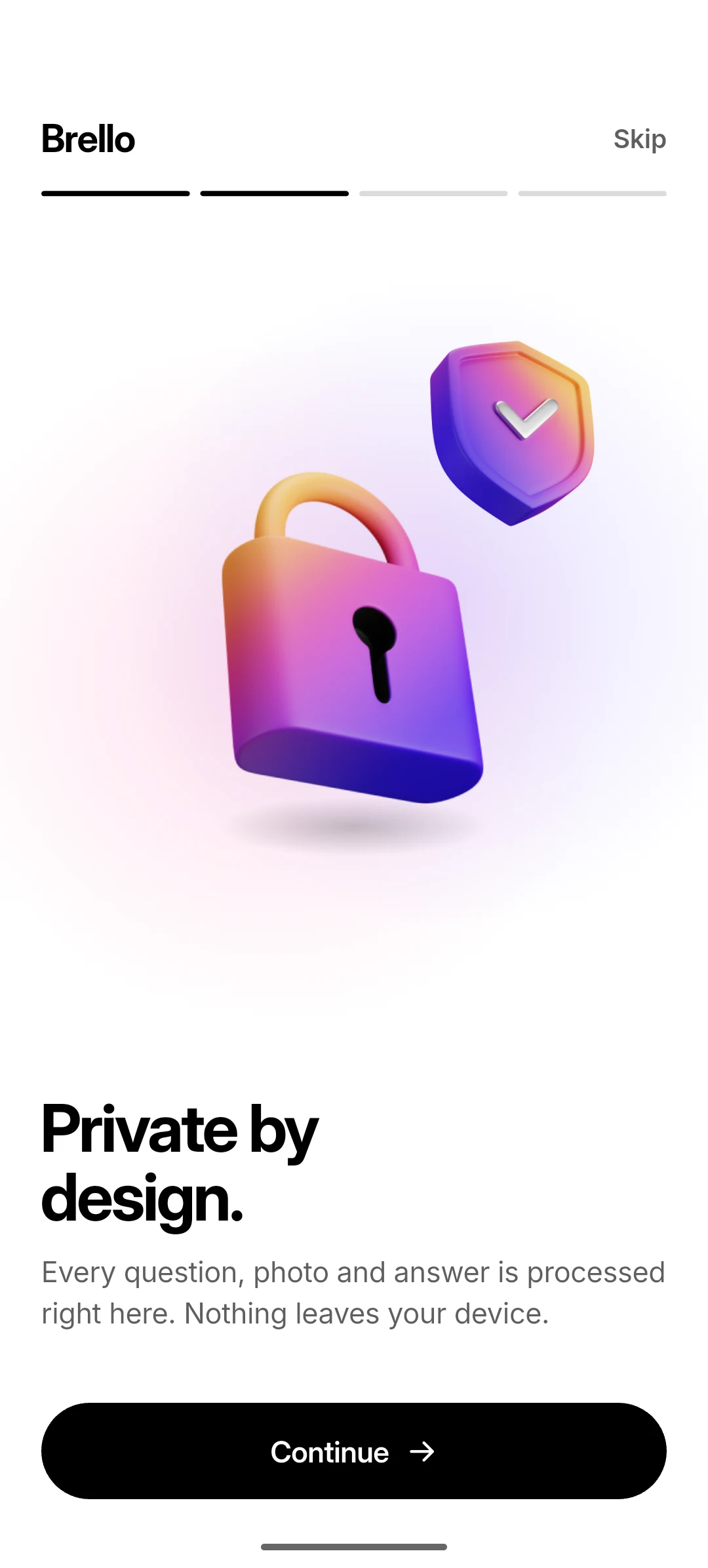
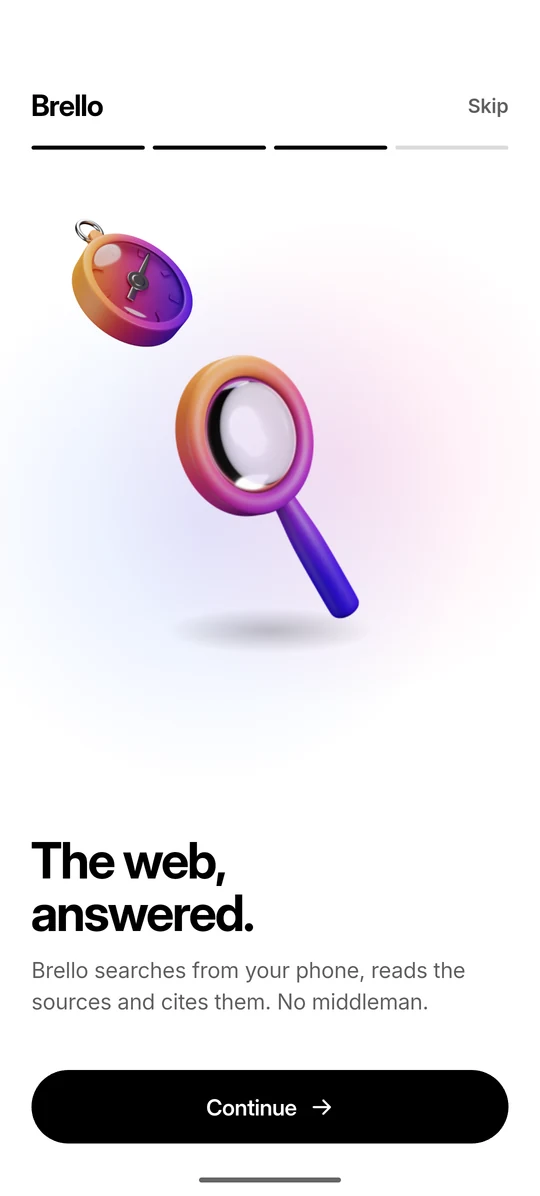
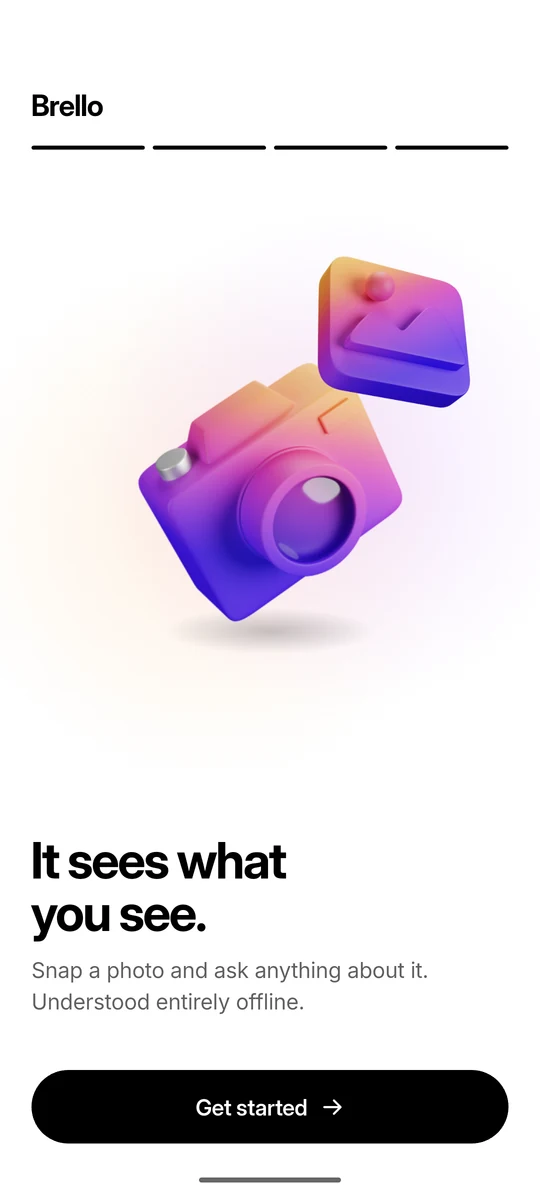
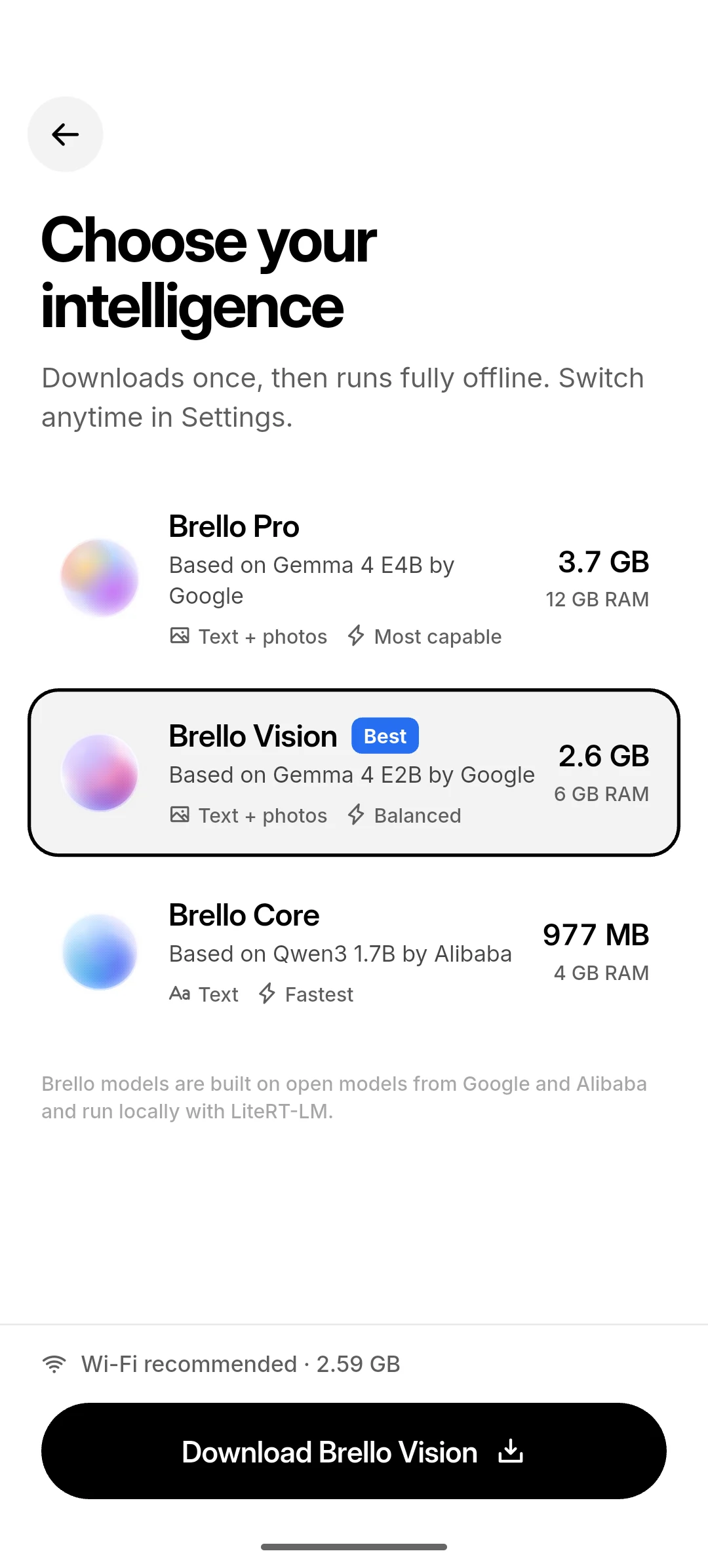
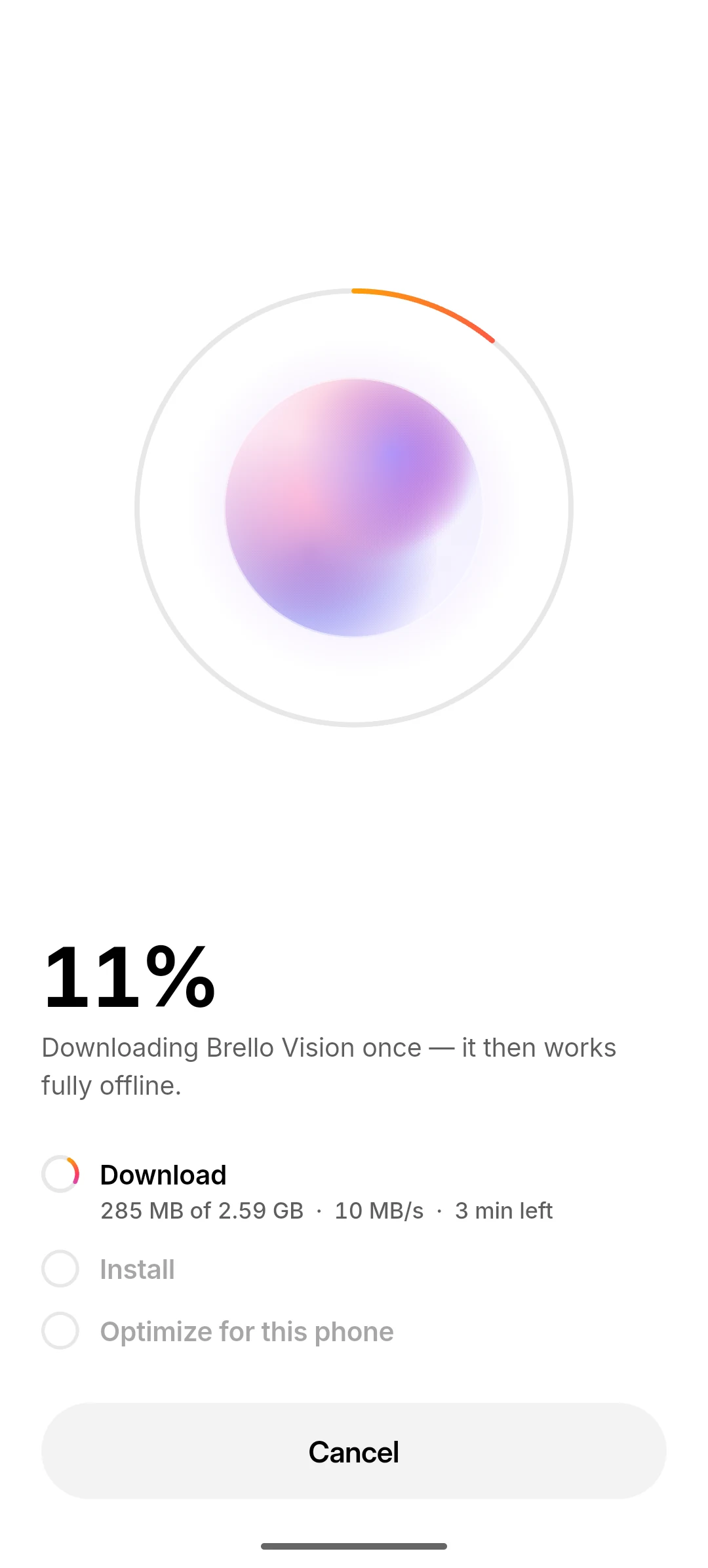
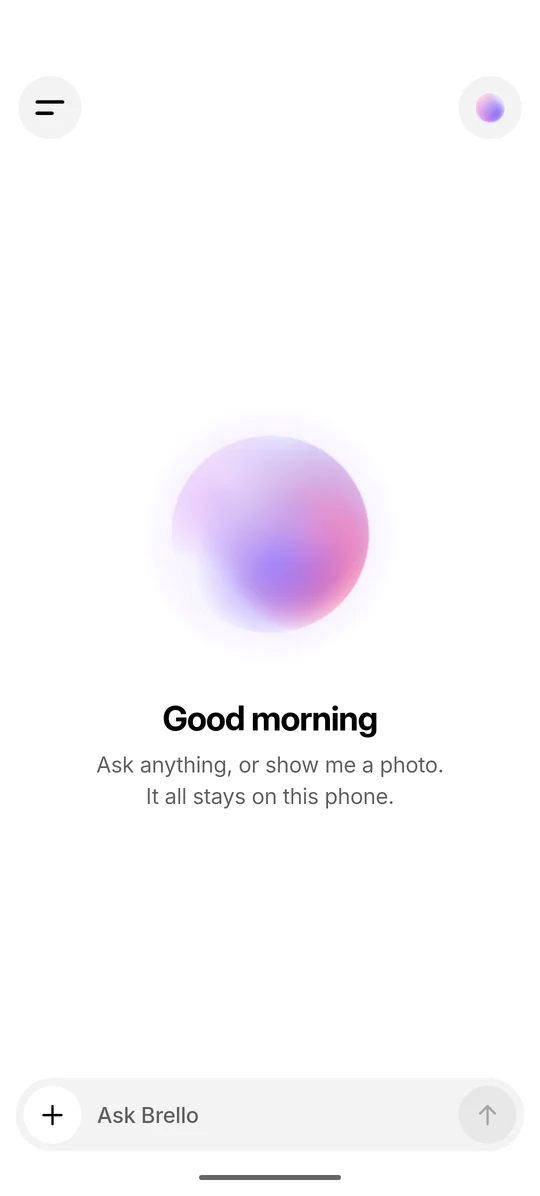
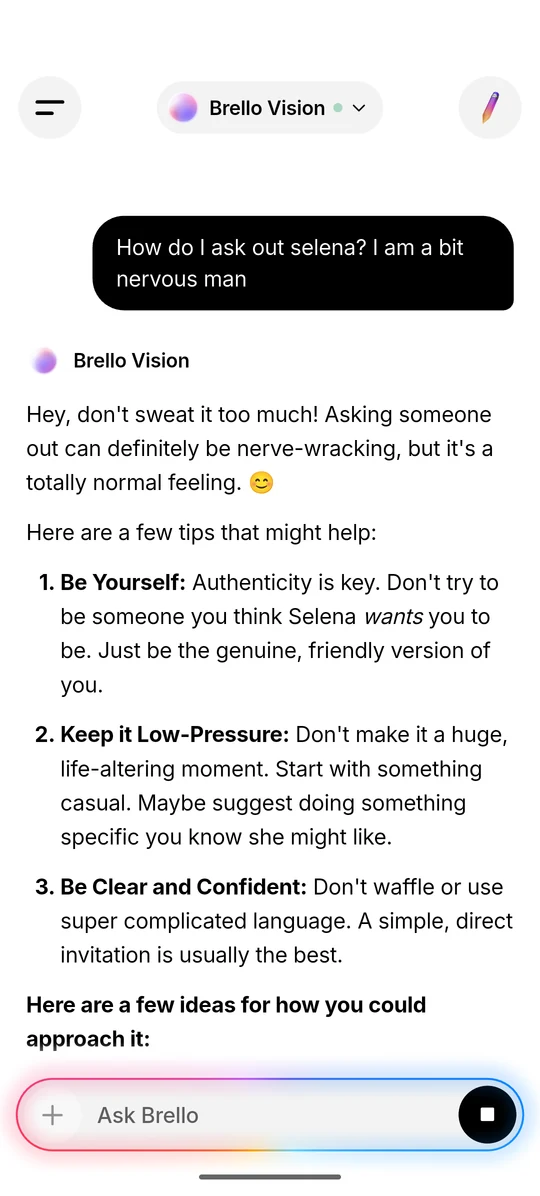
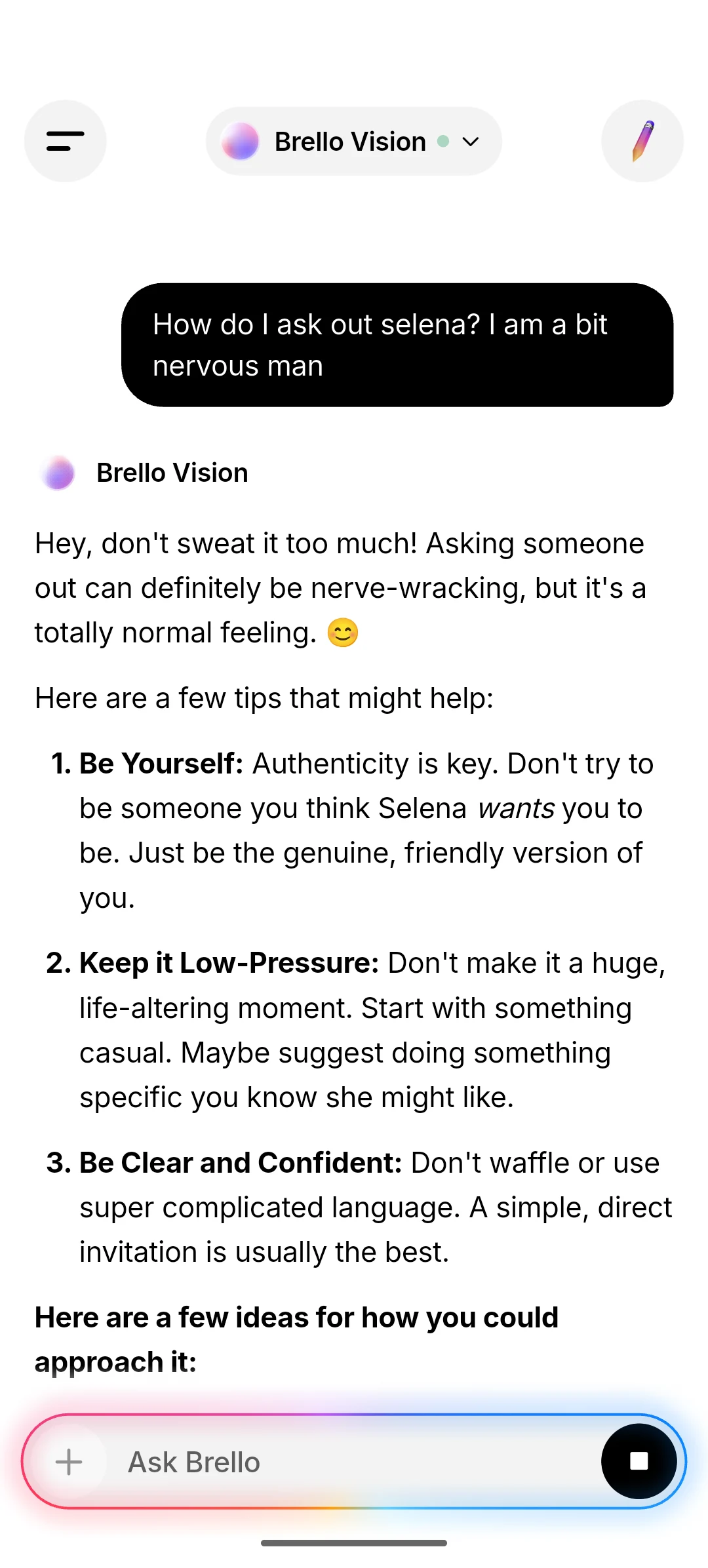
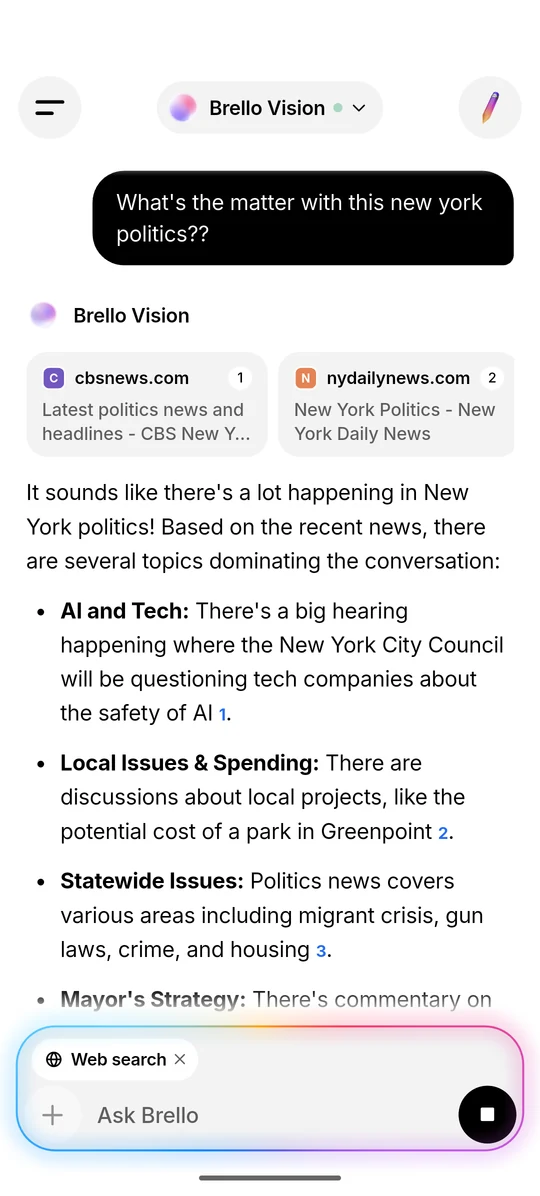
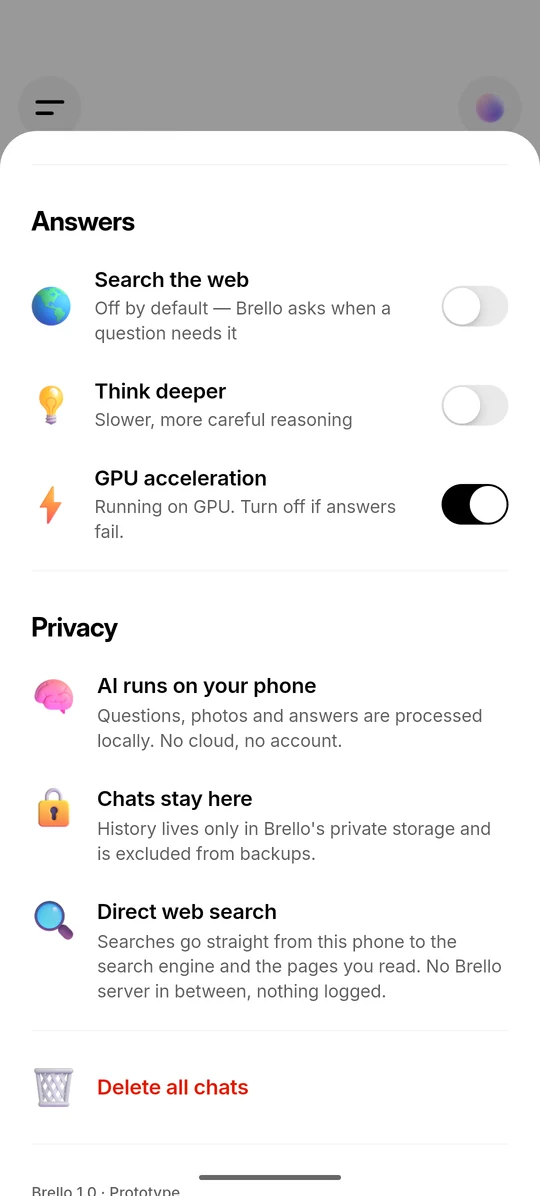
The screenshots below are captures of Brello 1.0 running on an Android phone. In each one, the Android status bar has been blanked in the screen’s own background colour; apart from that, the images have only been resized and compressed.
The orb and the wordmark
Brello’s visual identity is the orb, a glassy sphere of drifting colour that stands for the AI and is the app’s icon. There is no separate logo file: the wordmark is the word “Brello” set in Inter Display Bold with tight letter-spacing, as in the app, in black or in white. Colour belongs to the orb alone. Inter Display is free to use under the SIL Open Font License.

Screenshots of Brello 1.0
Each screen is available as WebP at 1080 × 2392 and 540 × 1196 pixels. They are listed in the order a new user meets them.
Using the images
- Describe the screenshots as Brello 1.0, a prototype.
- Crop or resize them as you need, but don’t change what the app shows.
- Don’t place Google or Alibaba logos beside Brello’s.
- Credit the images to Stuvio.
- For other screens or larger sizes, write to the press contact below.
Press contact
For interviews, facts or images, email the press contact. The link opens your email app with “Press” in the subject line; please include your publication and your deadline.
The address is [email protected]. General, security and privacy contacts are listed on the company page, and security reports follow our disclosure policy.
Version history
- First published. Describes Brello 1.0, version 1.0.0 (build 1).